
Please enter a keyword
Use Cascade AI
Learn how to use Cascade AI to streamline your digital marketing workflows, reduce manual effort, and get more done with less time and resources.
Author: Cascade
Using Cascade AI
With Cascade AI, you can ask questions and request analyses from AI in a chat format. You can receive analyses based on advertising data and web data, marketing strategy planning, creative improvement proposals, and more.
1. Select [Cascade AI] from the left menu
The Cascade AI screen will be displayed.
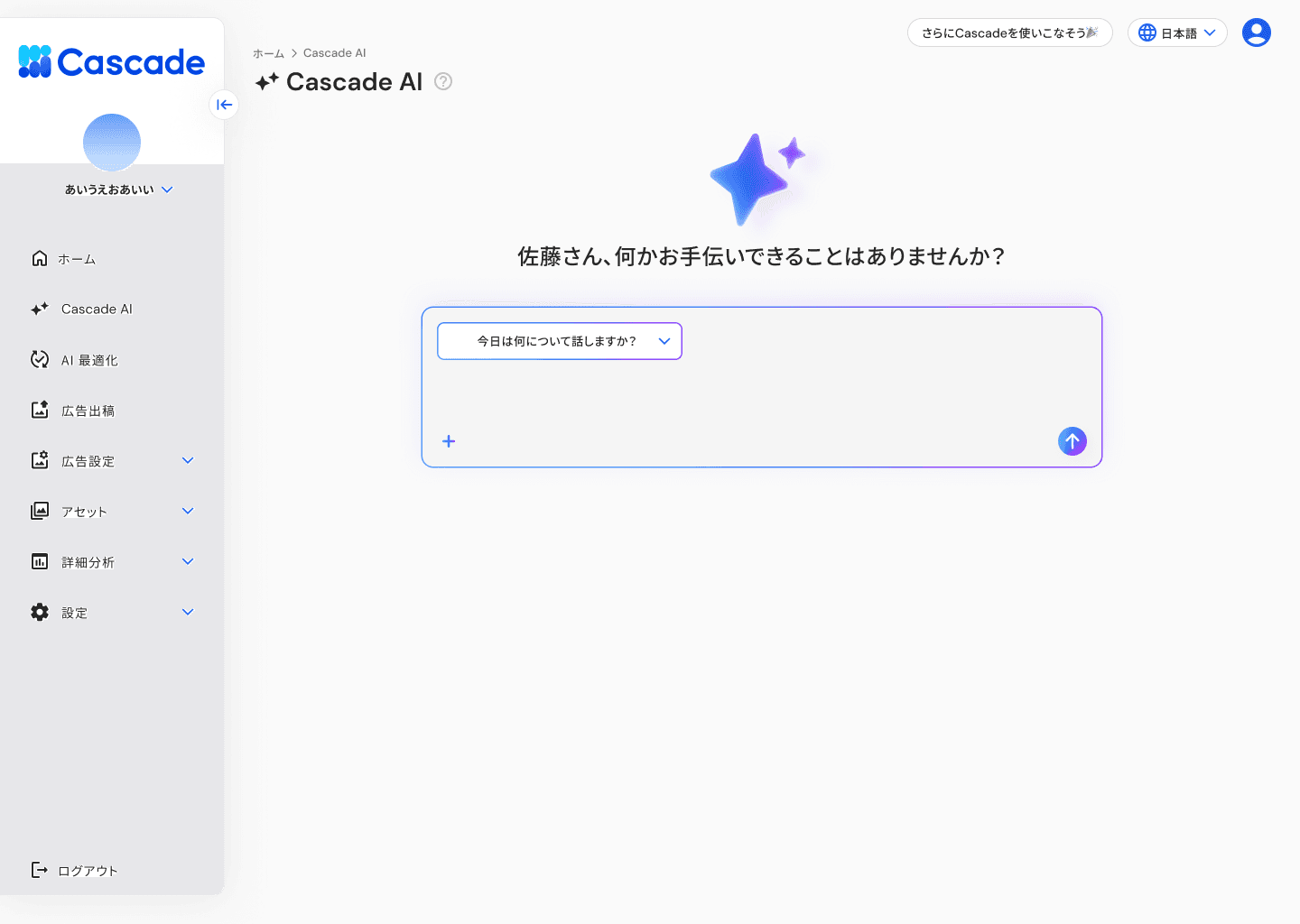
2. Select a conversation topic from the dropdown at the top of the input area
Clicking on [What do you want to talk about today?] will display the following three topics. Choose according to your purpose.
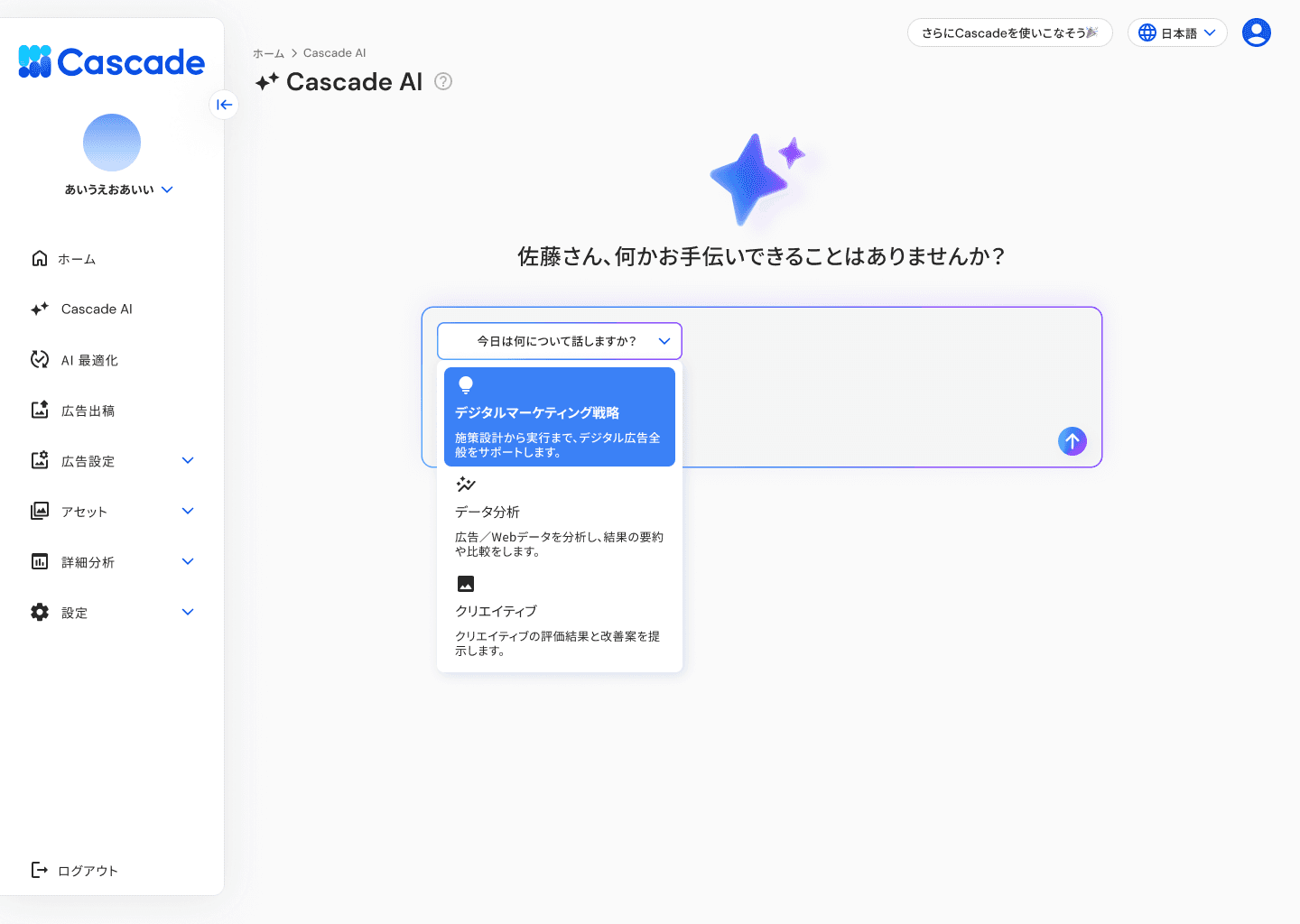
Topic | Content |
|---|---|
Digital Marketing Strategy | We support digital advertising comprehensively from planning to execution. |
Data Analysis | We analyze advertising/web data and provide summaries and comparisons of the results. |
Creative | We provide evaluation results and improvement proposals for the creative. |
Once a topic is selected, the input area will be displayed.
3. Set filters as needed
If you select [Digital Marketing Strategy] or [Creative], the filters will not be displayed.
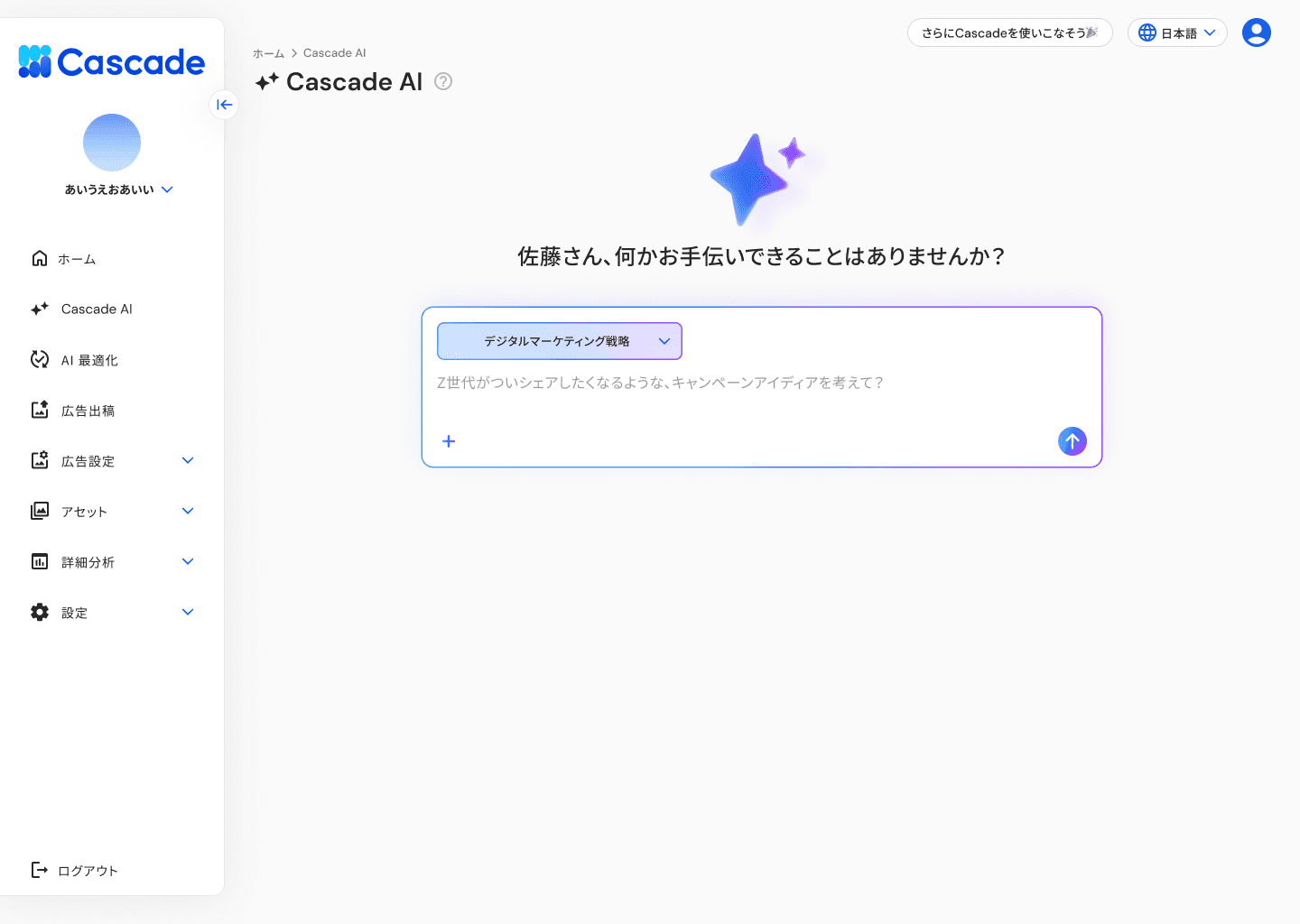
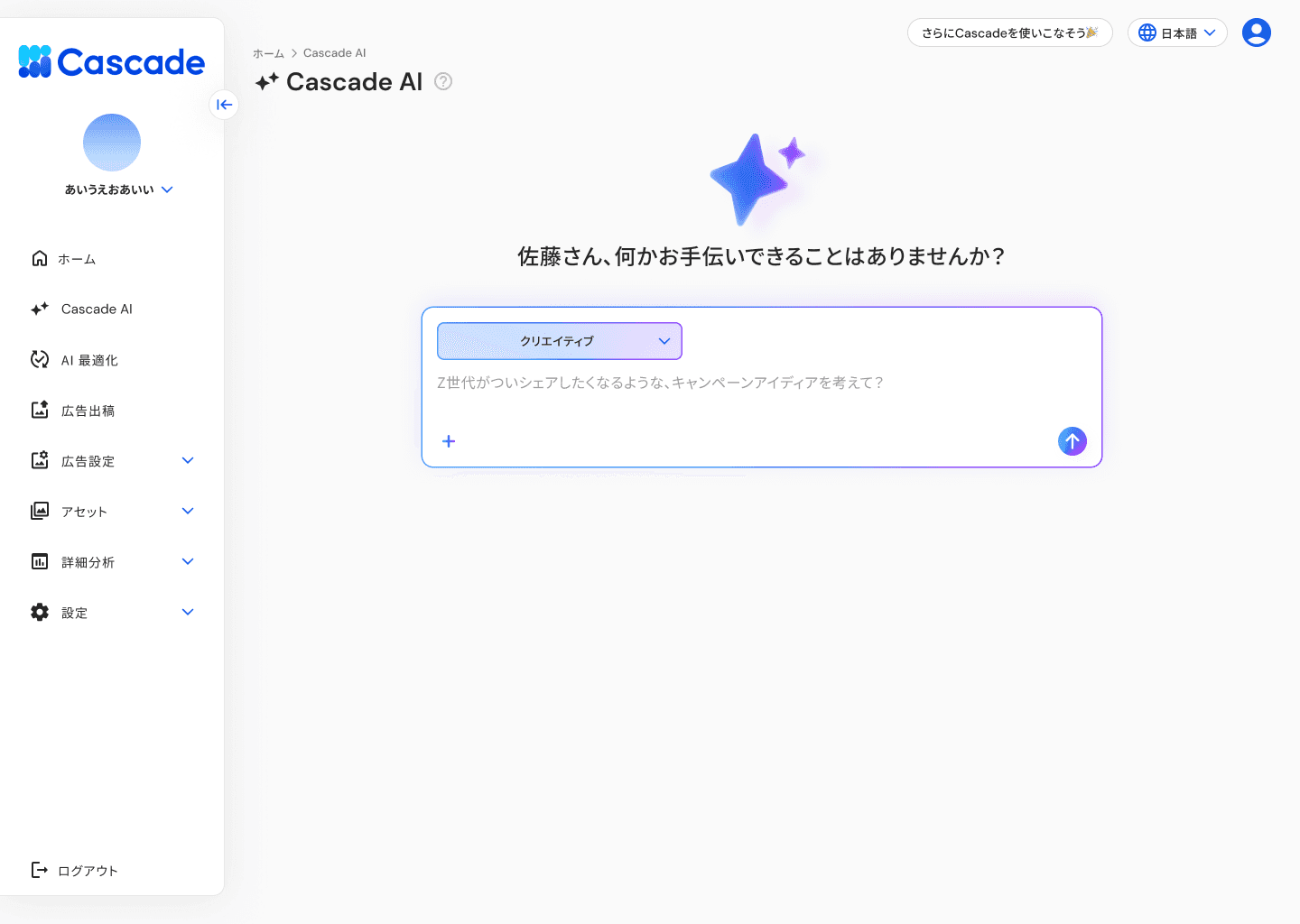
If you select [Data Analysis], the following filters will be displayed at the top of the input area. You can narrow down the range of data to be used for the analysis.
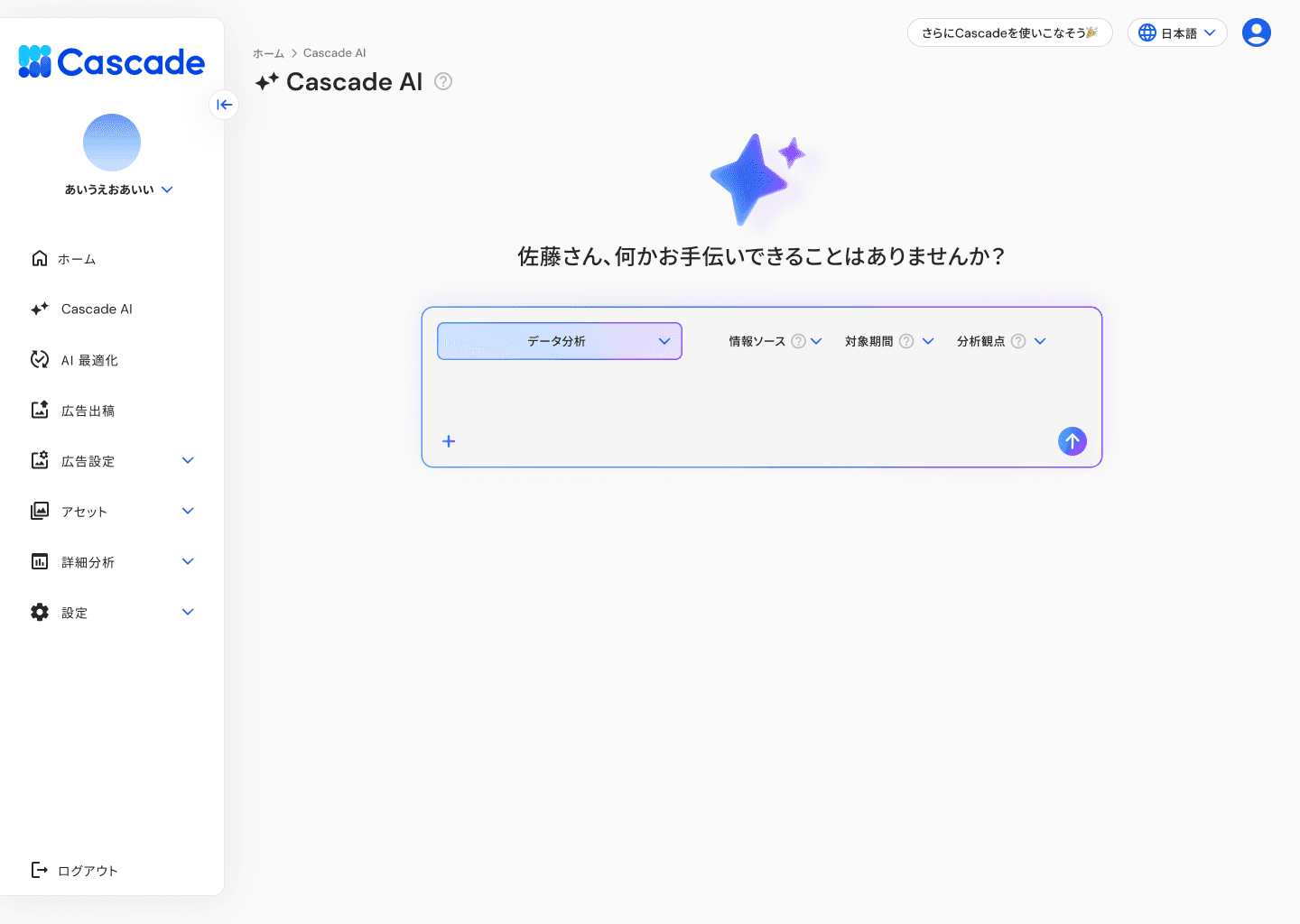
Filter | Selectable Options |
|---|---|
Information Source | Advertising・WEB |
Target Period | Yesterday・Today・Last Week・This Week・Last 7 Days・Last 14 Days・Last 28 Days・Last 30 Days・Last Month・This Month・Last Year・This Year・Custom |
Analysis Perspective | Summary・Comparison |
4. Enter questions or requests and send them
Type the text in the input area and press the send button. The response from AI will be displayed.
5. Check chat history
Past conversations will be displayed in the
More articles in this category