
Please enter a keyword
Create an account
Learn how to create a Cascade account by signing up with Google or email, meeting password requirements, and activating via a 24-hour verification email.
Author: Cascade
This document explains the steps to create a Cascade account.
Operation Steps
1. Access the sign-up screen
2. Choose a registration method
3. If registering with an email address: Enter your email address, enter your password, and check the verification email
1. Access the sign-up screen
Please access through the following URL. After that, the sign-up screen will be displayed.
https://app.cascaded.ai/auth/sign_in
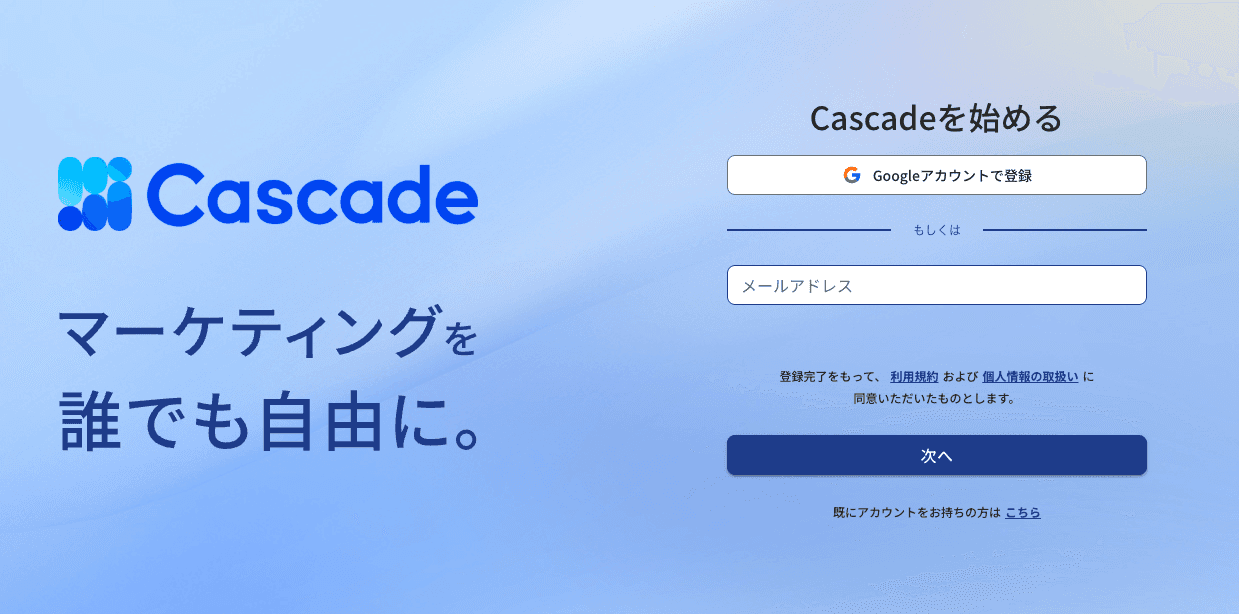
2. Choose a registration method
Register using a Google account or an email address.
If using a Google account: Please follow the on-screen instructions to complete Google authentication.
If using an email address: Enter your email address and password. The password must meet all of the following criteria.
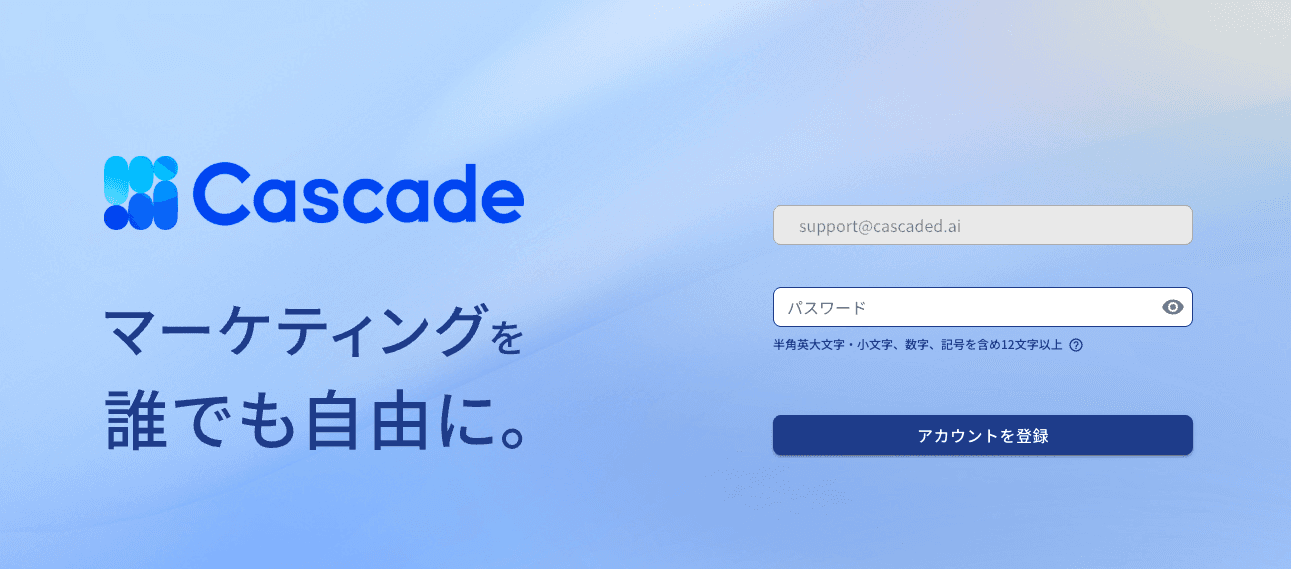
• Character length: At least 12 characters
• Required character types: Must include uppercase letters, lowercase letters, numbers, and symbols
• Allowed symbols: . _ - + # / =
• Disallowed characters: Full-width characters, spaces, emojis
3. Check your verification email (if registered with an email address)
After entering the information and pressing the registration button, a verification email will be sent to the entered email address. Please click the link in the email to complete your account activation.
Note: The link in the verification email has an expiration date (24 hours). Please click the link within the validity period to start using it.
4. Enter your basic information
Once your account has been verified, the basic information input screen will be displayed. Please follow the on-screen instructions to enter or select the following items.
• Name: Enter your name.
• Phonetic: Enter the phonetic spelling of your name. (This will only be displayed when used within Japan.)
• Company Name: Enter your company name.
• Brand / Service Name: Enter the brand or service name you are using for your advertisement account. If operating under the same advertisement account, register it as a single product. If the advertisement accounts are operated separately, create products separately.
• URL: Enter the main URL of the brand / service.
• Category: Select from the list.
• Experience with Google Analytics 4 and Experience with advertising analysis: Select applicable options from the list.
• Usage Plan: Choose the plan to use and enter your credit card information.
The features available in each plan are as follows.
Plan | Available Features |
|---|---|
Free | Web data integration (such as Google Analytics) and web analysis functions |
Business | All features, including AI-driven advertising operation optimization |
Once registration is complete, the Cascade home screen will be displayed.

More articles in this category